
Build Your Dream PC with Our New User-Friendly Configurator Featuring Customization and Compatibility Checks
Building a custom PC can be exciting but also overwhelming. Choosing the right components, ensuring they work well together, and staying within budget often feels like a puzzle. That’s why we created a new PC configurator designed to make the process simple, clear, and enjoyable. Whether you’re a gamer, a creative professional, or someone who just wants a reliable machine, this tool helps you build your ideal PC with confidence.
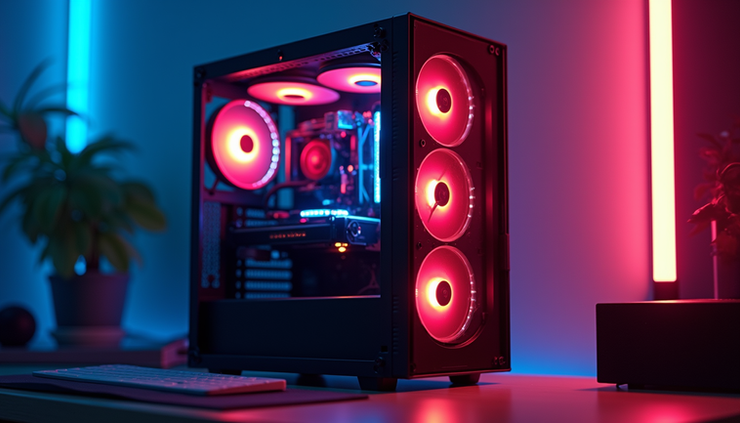
Easy-to-Use Interface for Everyone
The first thing you’ll notice about our configurator is how straightforward it is. The interface guides you step-by-step through the build process. You don’t need to be a tech expert to use it. Clear menus, helpful tooltips, and visual cues make selecting parts intuitive.
Simple navigation: Move through categories like CPU, GPU, RAM, and storage with ease.
Visual previews: See images and specs of components as you choose them.
Instant updates: Your build summary updates in real time, showing your selected parts and total price.
This design helps you focus on what matters: creating a PC that fits your needs without getting lost in technical jargon.
Customization Options for Every Need
No two users are the same, and neither are their PC builds. Our configurator offers a wide range of customization options so you can tailor your system exactly how you want it.
Performance levels: Choose from entry-level to high-end components depending on your tasks.
Purpose-driven builds: Options optimized for gaming, video editing, office work, or general use.
Aesthetic choices: Pick cases, cooling solutions, and lighting to match your style.
Upgrade paths: See compatible upgrades for future-proofing your system.
For example, a gamer might prioritize a powerful graphics card and fast RAM, while a video editor could focus on a multi-core processor and large storage. The configurator adapts to your goals.
Compatibility Checks to Avoid Mistakes
One of the biggest challenges in building a PC is ensuring all parts work together. Our configurator automatically checks compatibility as you add components. This feature prevents common errors like mismatched sockets, insufficient power supply, or incompatible memory types.
Real-time alerts: Get immediate warnings if a selected part conflicts with others.
Power and cooling checks: Ensures your power supply and cooling system meet the build’s demands.
This reduces frustration and saves you time and money by avoiding returns or repairs.
Price Estimation and Budget Management
Budget is often the deciding factor in PC builds. Our configurator shows a running total of your build cost, helping you manage your spending effectively.
Dynamic pricing: Prices update instantly as you swap components.
Budget alerts: Set a maximum budget and get notified if your build exceeds it.
Cost breakdown: See how much each part contributes to the total price.
This transparency helps you balance performance and cost, making sure you get the best value for your money.
Try the Configurator !
If you’ve been thinking about building a PC, now is the perfect time to try our configurator. It takes the guesswork out of the process and helps you build a system that fits your needs and budget.
Start by selecting your main components.
Experiment with different options to see how they affect performance and price.
Use the compatibility checks to avoid mistakes.
Share your build and experience with your friends.
Your feedback helps us improve the tool and supports others in their PC-building journey.



Comments